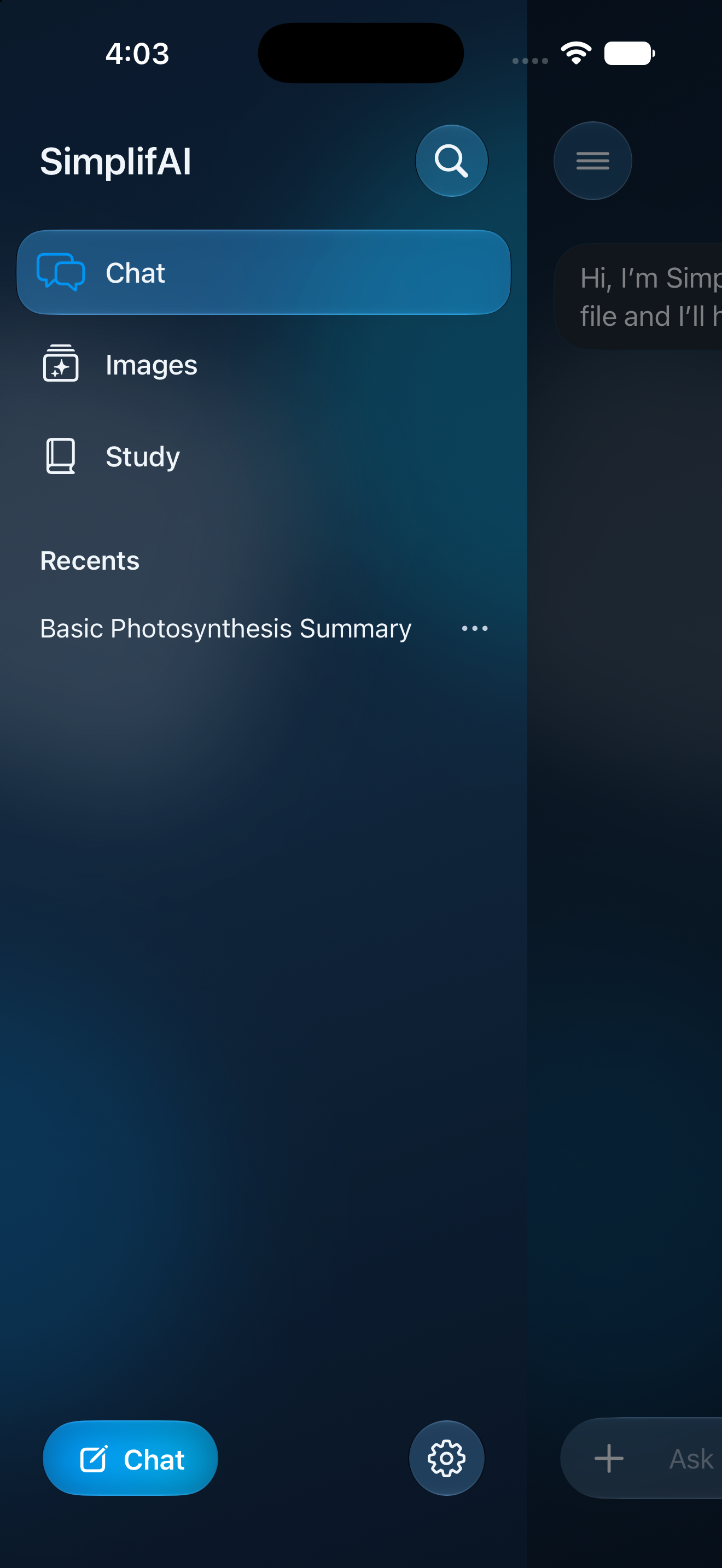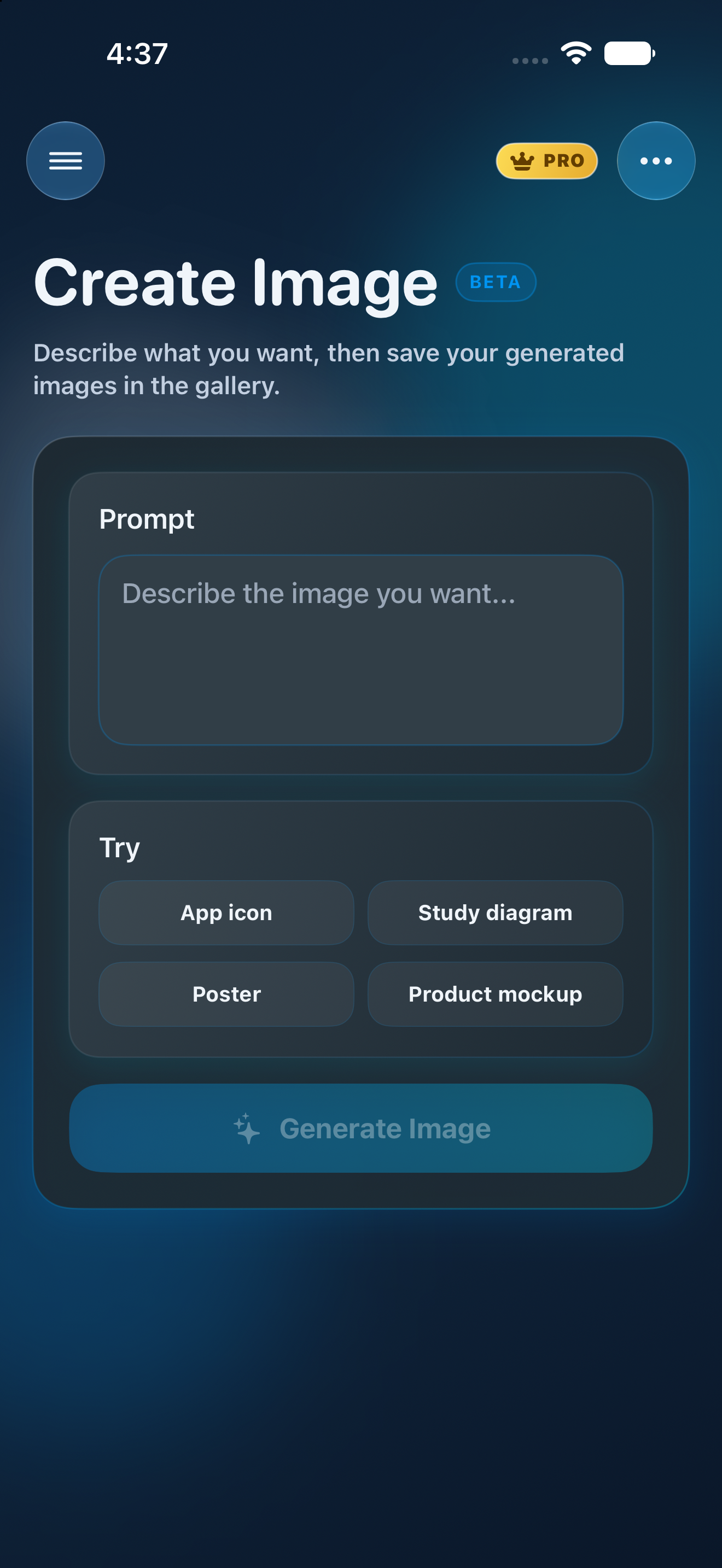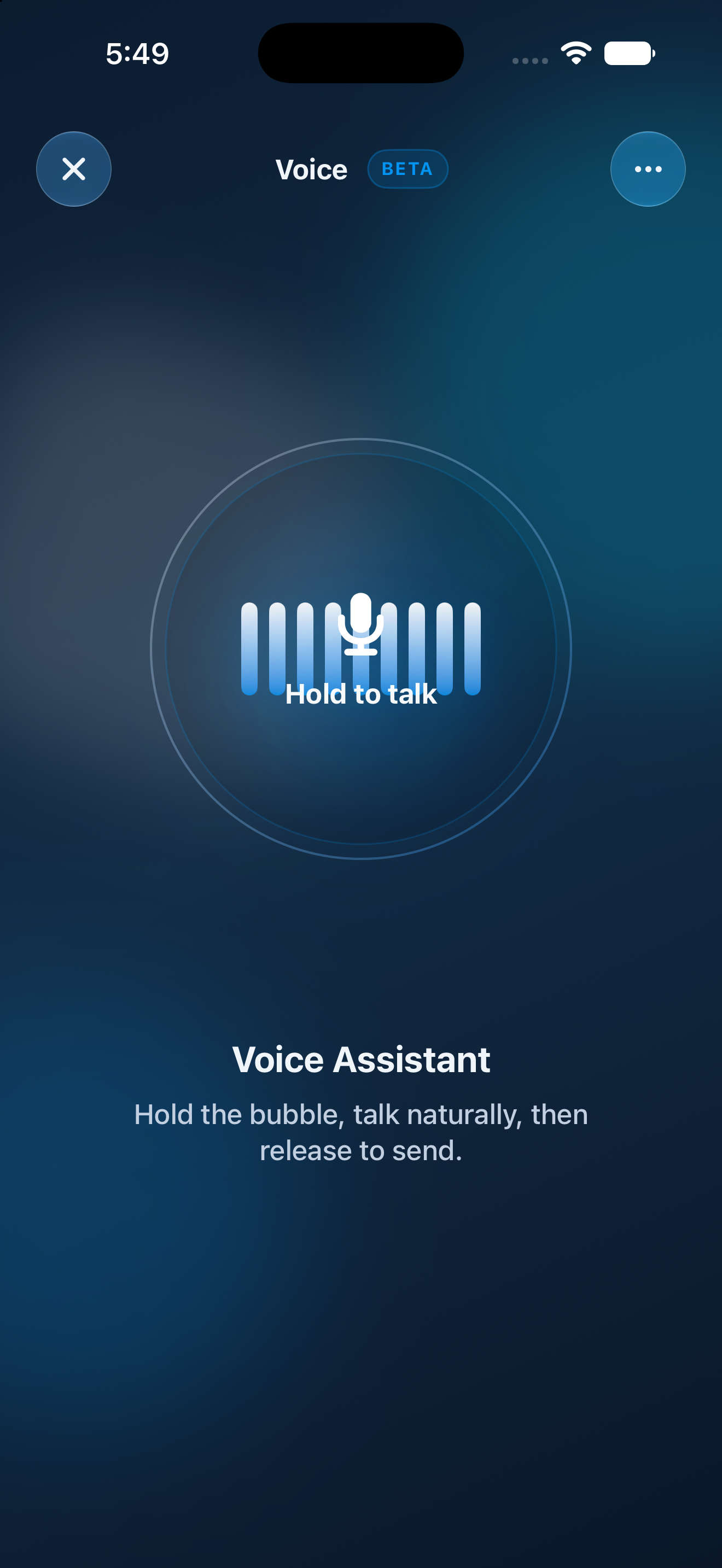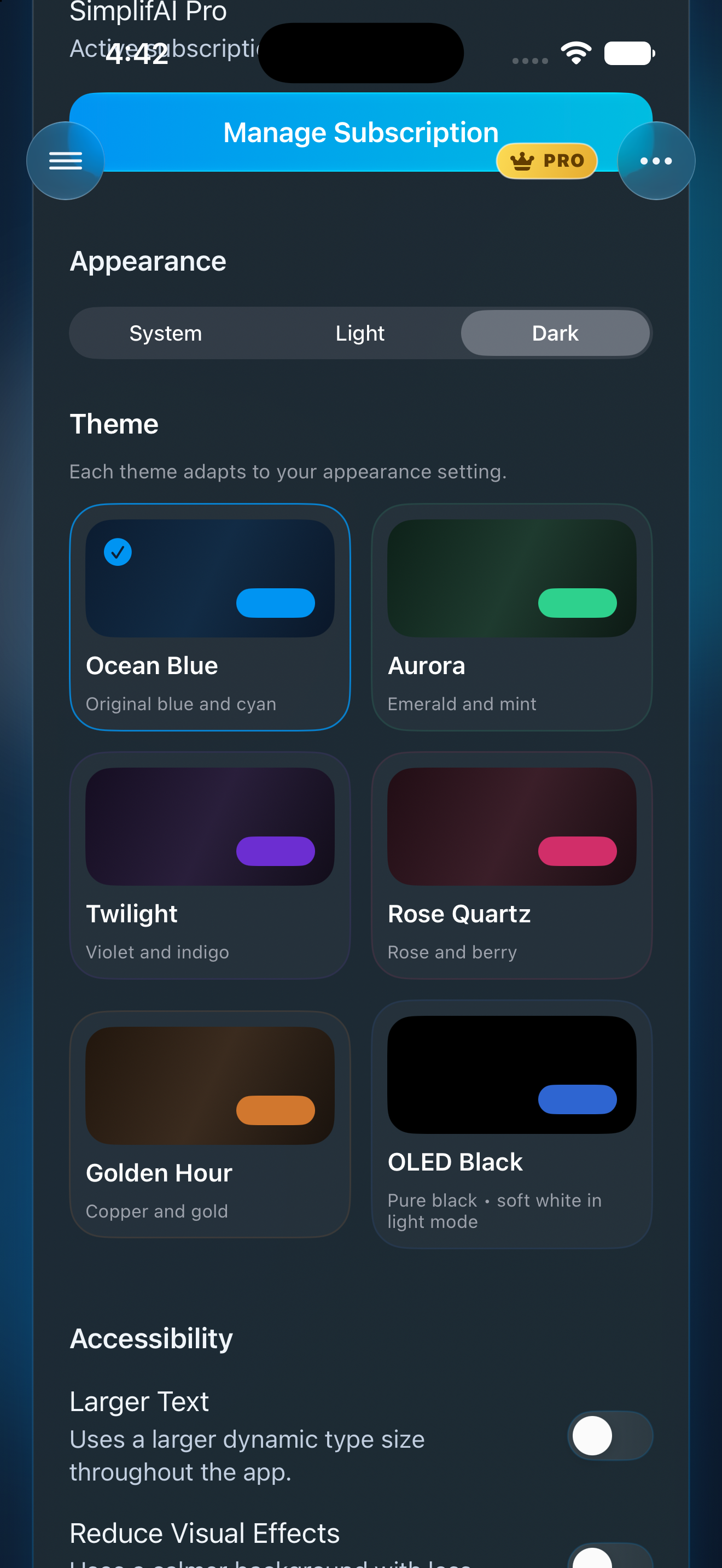

AI summaries
Paste notes or import files, review the source, and generate a cleaner summary in one focused view.
AI notes, summaries, and study mode
SimplifAI turns pasted notes and uploaded files into clean summaries, reusable study material, and smart templates, all inside a sleek mobile experience tailored to your app.
Core features
Instead of generic productivity copy, the page now reflects your real app flow: summarise, study, revisit, and reuse.
Paste notes or import files, review the source, and generate a cleaner summary in one focused view.
Turn each summary into flashcards and quiz questions so the content becomes easier to remember.
Reuse past outputs, open saved summaries, and choose preset styles without scrolling through clutter.
Inside the app
Summarise
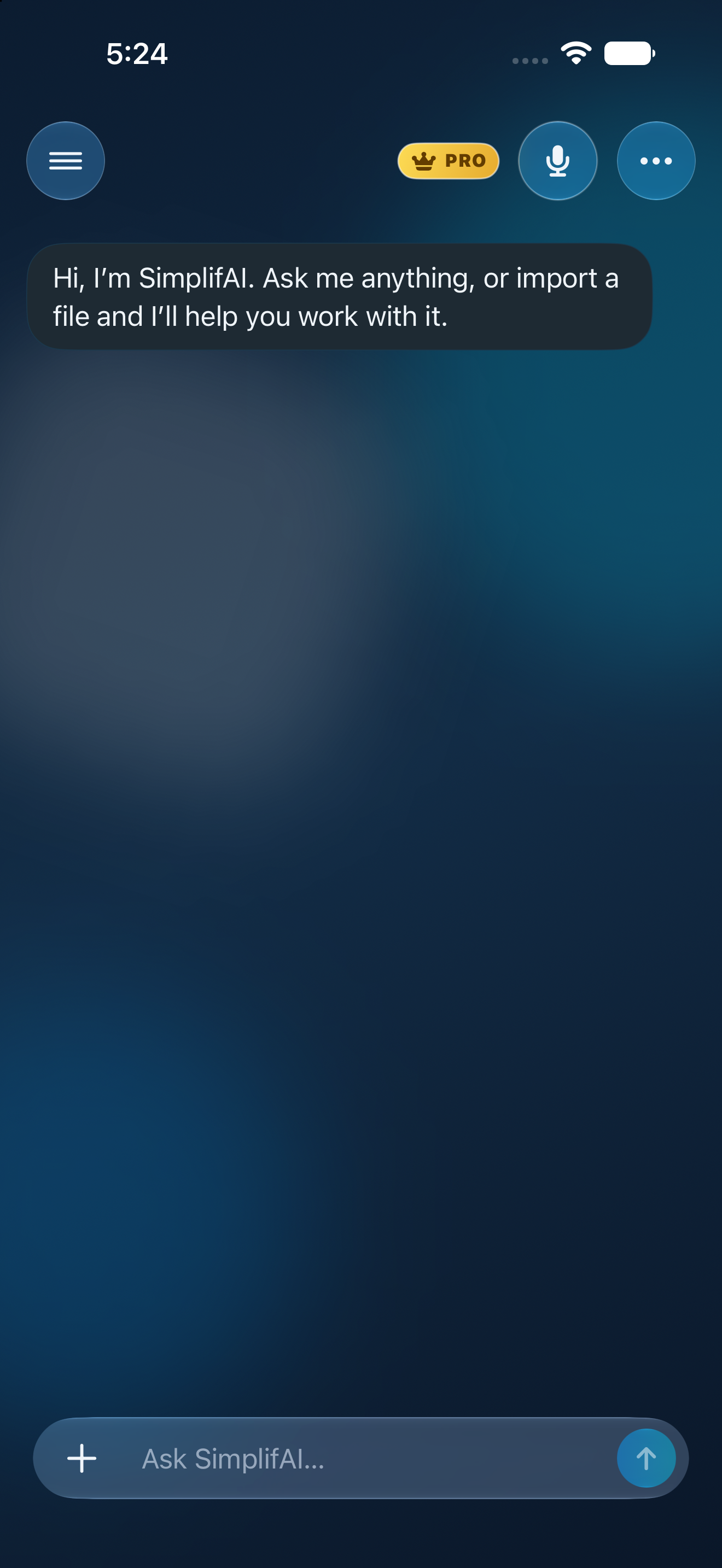
The main screen makes the workflow obvious: import, type, summarise, then review the result in the same place.
This gives users a simple, low-friction starting point. Instead of jumping between separate tools for uploading, editing, and reviewing, everything happens in one focused screen that feels clear even for first-time users.
Study Mode
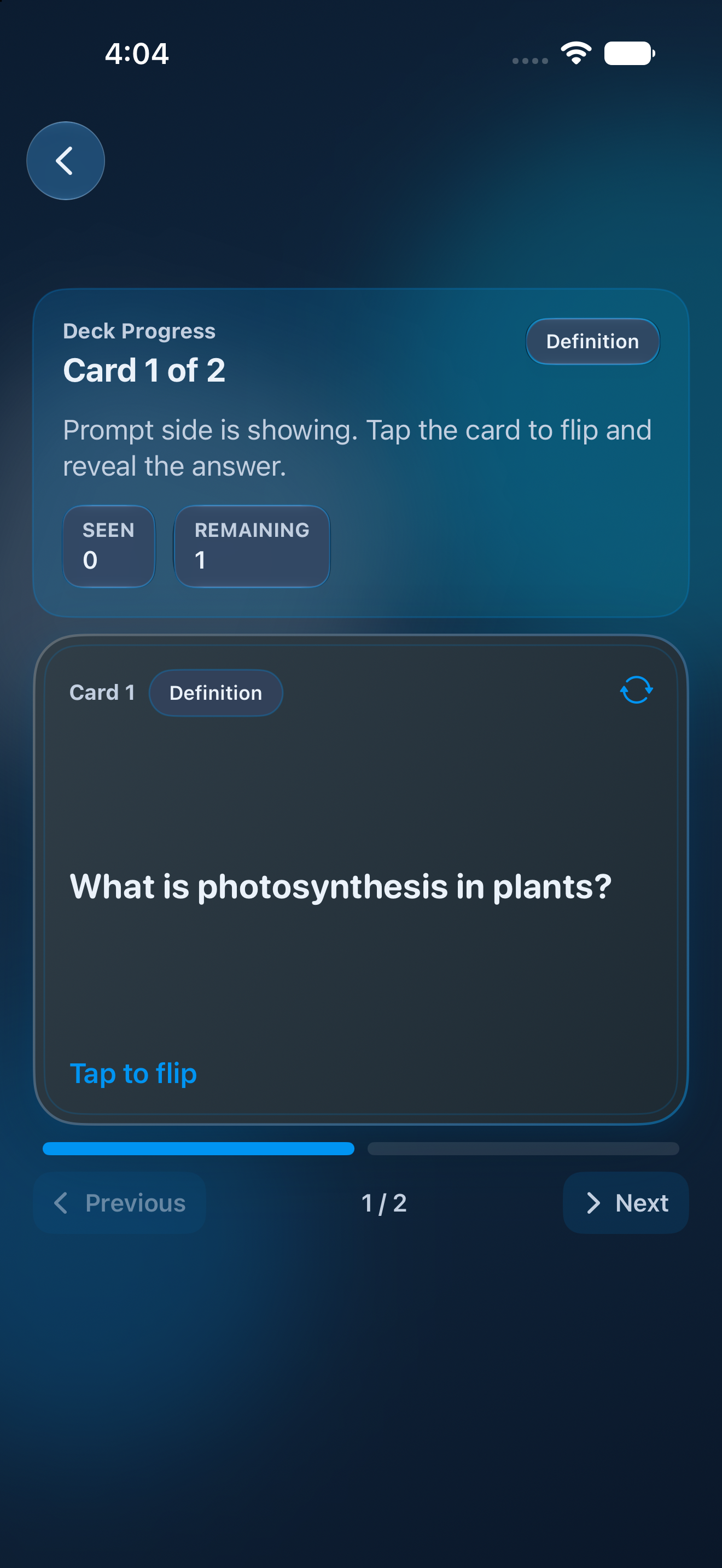
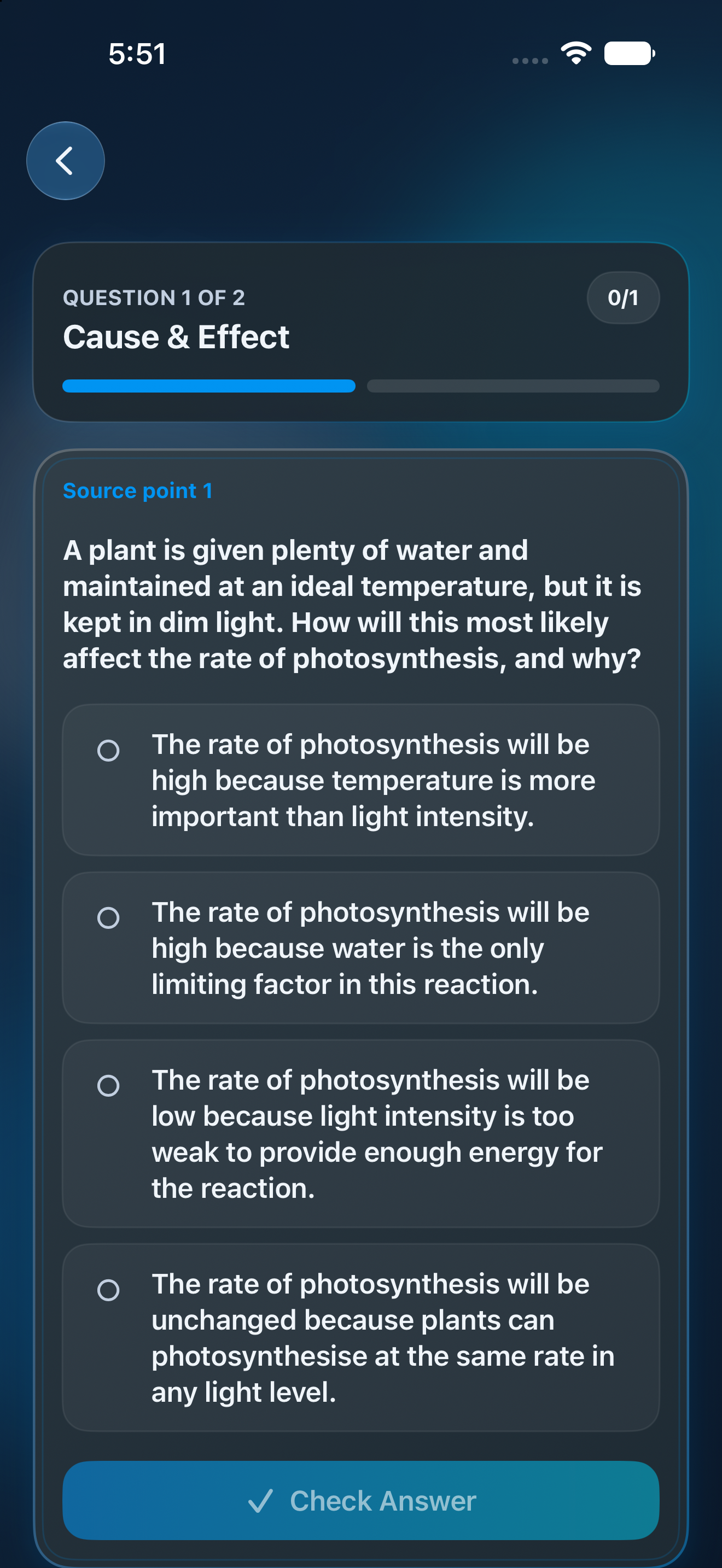
Study Mode transforms generated content into practice material so the app feels useful after the summary is created, not just during it.
It turns passive reading into active revision. Users can move from understanding a summary to testing recall, reviewing key points, and repeating difficult areas without needing to leave the app or create separate study resources manually.
History
Saved entries are easy to search, reuse, and continue from, which gives SimplifAI a practical everyday value beyond one-off summaries.
This is especially useful for students and professionals who revisit material over time. Instead of recreating outputs, they can quickly search old summaries, reopen them, and continue learning or working from where they left off.
Templates
Templates make the app flexible for study notes, plain-English rewrites, meeting recaps, action items, and more.
Rather than forcing one summary style for every task, templates let users shape the result around what they actually need. That makes SimplifAI more adaptable for revision, work notes, planning, and everyday reading.
How it works
Import a file or paste your text directly into the app.
Use SimplifAI to summarise, rewrite, or structure the material.
Switch into flashcards, reopen from history, or apply a template for the next task.
Why it stands out
SimplifAI does more than compress text. It helps users move from raw information to understanding, revision, and action inside one consistent interface.
Use flashcards and quizzes to revise summaries faster.
Turn dense notes and documents into plain-language outputs and action points.
Keep useful summaries available in history and reuse them any time.
FAQ
SimplifAI helps users import notes or files, generate AI summaries, review information in a cleaner format, study with flashcards and quizzes, and revisit saved work through history and templates. It is designed to make dense or messy information easier to understand, reuse, and remember from one app.
Currently, SimplifAI supports plain text, markdown, rich text, PDF, and image-based inputs. That means users can start from typed notes, imported class material, reference documents, or captured content without needing to manually reformat everything first.
SimplifAI is useful for students, professionals, and anyone who regularly works with written information. It is especially helpful for people who want to turn long notes, documents, or study material into something quicker to review and easier to retain.
Study Mode takes the output beyond a simple summary. Instead of only shortening information, it helps users actively review it through flashcards and questions, which makes the app more practical for revision, recall, and repeated learning sessions.
Templates make SimplifAI flexible. A user might want plain-English rewrites for difficult reading, structured notes for revision, meeting summaries for work, or action items for planning. Templates help shape the output around the situation instead of giving everyone the same generic result.